
Your own AI voice
Voice Cloning: Clone Your Own Voice with AI
Voice cloning turns a short recording of you into a voice that reads any script. Record or upload about a minute of speech, and your private voice clone is ready to narrate videos, lessons and podcasts in 36 languages.
Read this paragraph aloud
Ready in about a minute · only you can use it
- of speech to clone from
- 10 s to 5 min
- to create your voice
- ~1 min
- languages your clone speaks
- 36
- credits per voice
- 250
- your voice is yours alone
- Privacy protected
- voices kept in your account
- 20
What is voice cloning?
Voice cloning uses AI to make a digital copy of a real person's voice from a recording of them speaking. The clone then reads new text aloud with the same tone, accent and rhythm. Here you clone your own voice, or one you have permission to clone, and use it for any script in text to speech.
How to clone my voice in three steps
It takes a few minutes, and most of that time is you talking.
Record or upload your voice
Record in the browser or upload 10 seconds to 5 minutes of speech, up to 20 MB in MP3, WAV, M4A or another common format. Read anything you like; the studio offers a script.
Let your browser check the sample
Length, level, background noise and distortion are checked before anything uploads, and a live meter coaches you while you record.
Name it and create your clone
Name the voice and create it for 250 credits. In about a minute it is ready for text to speech, and you can hear a line of your own straight away.
What sets this voice cloning software apart
A clone is only as good as its sample, so every step is built to make a clean one.
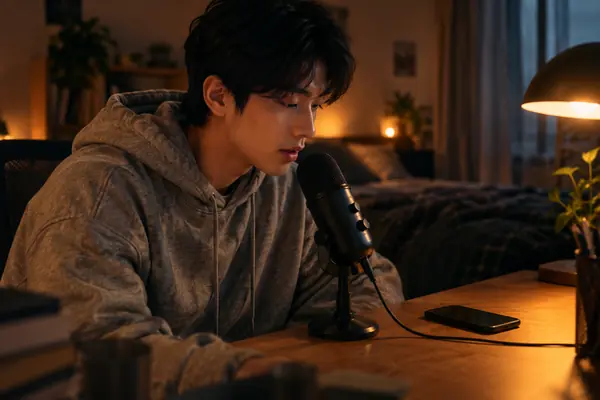
AI voice cloning from a one minute sample
Booking a studio and a voice actor takes days. Record or upload 10 seconds to 5 minutes of speech instead, and your clone is ready to read scripts in about a minute.
Live coaching for a clean sample
Noise and clipping spoil a clone. A live level meter coaches you as you record, and every sample is checked in your browser for length, level, background noise and distortion before it uploads.
Speak 36 languages in your own voice
Your clone carries your voice into new languages. It works in text to speech like any other voice: it reads 36 languages, performs [laughs], [sighs] and [pause], and follows your pronunciation list.
Keep up to 20 voices, private to you
A voice is personal, so it stays yours. Your clones are usable only in your account, your recording is handled privately, and you can rename any voice whenever you like.
Voice cloning samples: original and clone
Each pair plays an original recording, then its voice clone reading new scripts, one of them in a second language. The originals are voices from our own library.
Responsible cloning, point by point
How your voice and your recording are protected.
Your own voice
Clone your own voice, or one you have the right to use, and give every project the same familiar sound.
Private to you
Your cloned voices live only in your account, for you alone to play and use.
Privacy protected
Your recording is used only to create your voice and is handled privately from upload to clone.
Voice cloning guide: recording, consent and publishing
What is voice cloning, and what makes a good clone?
Voice cloning is AI that learns the sound of one speaker from a short recording: the tone, the accent, the rhythm and the small habits that make a voice recognisable. After that, the clone reads any script you type in the same voice, so you write a line instead of recording it.
A clone is as faithful as its sample. A clear, natural recording gives the AI an honest picture of your voice, and the result sounds like you on a good day. That is why the next steps start with the sample.
How to record a great voice cloning sample
The clone copies what it hears, so the room matters as much as the voice. Record in a quiet room with soft surfaces, turn off fans and music, and keep the microphone a hand's width from your mouth for the whole take.
Read in the tone you want back: calm for lessons, upbeat for a lively show. Thirty seconds to a minute of clean speech is the sweet spot. Uploading a file? Pick a clean recording of just you speaking.
- 1Pick the quietest room you have; curtains, a sofa and a rug soak up echo.
- 2Keep the microphone a hand’s width from your mouth, at the same distance for the whole take.
- 3Read at your natural pace in the tone you want back, and let small pauses happen.
- 4Keep the live meter steady in the middle, and take a sip of water before you start.
Which microphone should you use?
A studio is optional. A recent phone held at chest height, or a headset with a boom microphone, records clean speech for a clone, and the browser checks the level as you go.
A USB microphone helps most in a slightly noisy room, because it picks up your voice more than the space around it. Whatever you choose, use the same one for every take; the clone learns the sound of the microphone as well as your voice.
Record a ten second test, play it back on headphones and listen for hum, echo or clipped peaks. A quick test is the easiest way to a clean clone.
Write scripts that sound like you
A cloned voice sounds most like you when the script sounds like you, too. Use the words and phrases you say every day, keep sentences short, and write numbers and names the way you pronounce them.
Tags add the moments a plain script misses: [pause] before a key point, [laughs] after a light line, [sighs] for a relaxed aside. Add a word to your pronunciation list once, and every script reads it your way.
Clone my voice for other languages
Once you clone your voice, it reads 36 languages in text to speech. Paste a translated script, keep the same voice, and viewers in other markets hear the presenter they already know.
Record your sample in the language you speak most naturally; your tone and rhythm carry across. For names and brand words in a new language, check the first lines and add any fixes to your pronunciation list.
Voice cloning consent and the law
Whether a clone is lawful depends above all on consent. Tennessee's ELVIS Act protects a person's voice, including a simulated one, from unauthorized use, and New York's right of publicity law requires written consent to use a voice for advertising or trade. Get the owner's written permission before you clone a voice that isn't yours.
The EU AI Act asks anyone publishing AI audio that resembles a real person to disclose it; a note such as "narrated with an AI version of my voice" is enough.
Get the most from your cloned voice
Open text to speech, pick your voice under My voices and paste a script. Short sentences and everyday words sound most like you.
Clone when listeners should hear you. For a character or a second speaker, design a brand new voice in the style you like instead, or pick one of the 300+ preset voices included in text to speech; designed and cloned voices sit side by side in My voices.
What people make with a voice clone

Narrate your videos
Voice explainers, tutorials and shorts from a script, and fix a line by editing text.
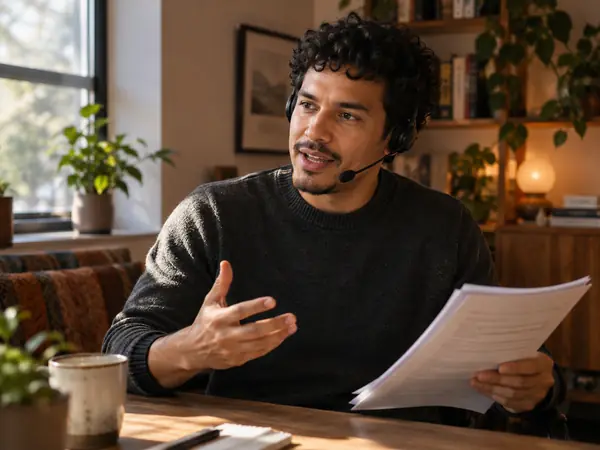
Online courses
Keep one voice across every lesson and regenerate only the paragraph that changed.
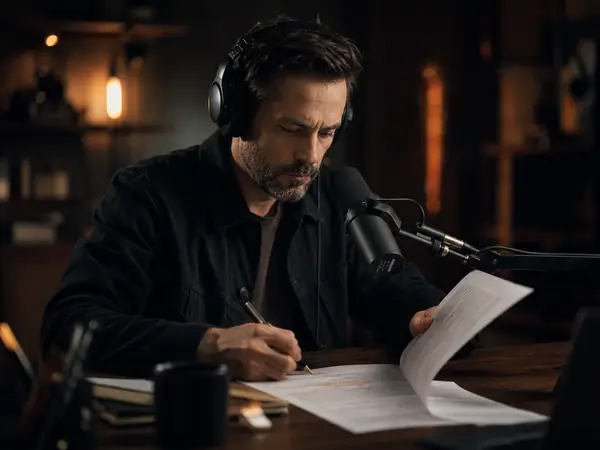
Podcast intros and pickups
Produce the intro, or patch a misspoken sentence, in the same voice as the episode.

Your content in other languages
Turn a translated script into audio in your own voice, so other markets hear you.

Audiobook drafts
Hear a chapter of your manuscript in your own voice before a full recording session.
Voice cloning FAQ
More AI voice tools

Clone your own voice in a few minutes
Record or upload a minute of speech and let voice cloning do the rest.