
AI audio transcription
Transcribe Audio to Text with AI
Transcribe audio from meetings, interviews, lectures and podcasts into text you can edit right away. Every word has a timestamp and every speaker a label, so you click a word to hear it, fix it, and export subtitles or a document in minutes.
- per file, up to 1 GB
- 3 h
- speaker labels
- Auto
- has a timestamp
- Every word
- TXT, SRT, VTT, DOCX
- 4 formats
- credits per minute
- 2
- visible only to you
- Privacy protected
How do you transcribe audio to text?
To transcribe audio to text, upload the recording and let the language be detected, or pick it. The AI turns the speech into a transcript with speaker labels and a timestamp on every word. Read it through, correct names, then export TXT, SRT, VTT or DOCX, all in your browser.
How to transcribe audio to text in three steps
From upload to export takes a few minutes, and the AI does the listening.
Upload your recording
Drop in an MP3, WAV, M4A, AAC, FLAC, OGG or WEBM file of up to 3 hours and 1 GB. The length and the credits show before anything runs.
Choose the language
Leave the language on automatic detection or pick it yourself. Speaker labels are on by default; switch on audio events to mark sounds such as (laughter) or (applause).
Edit and export
Click any word to play the audio from that moment and correct names and terms. Then export TXT, SRT, VTT or DOCX.
What makes this audio transcription stand out
A good transcript is quick to check and ready to use the moment it arrives. These parts get yours there.
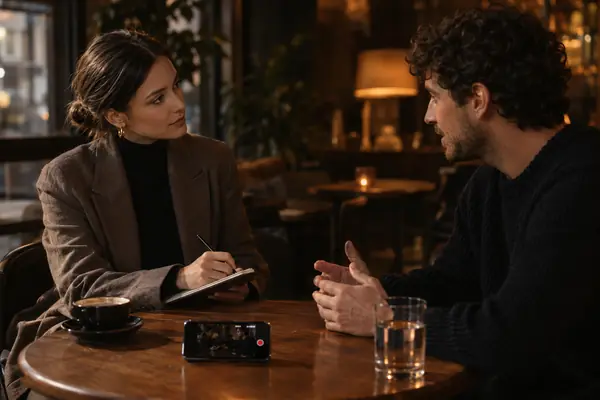
Transcribe audio, then check any word in one click
Proofreading against a recording usually means scrubbing back and forth. Here every word carries its own timestamp: click it and the audio plays from that moment, and the current word lights up as you listen.
Label every speaker automatically
A four person meeting reads clearly when every line has a name. Speakers are told apart automatically and marked Speaker 1, Speaker 2 and so on, so you can follow who said what at a glance.
Export a transcript from audio in 4 formats
Readers and video editors need different files. Export plain TXT, a DOCX to edit in Word, or SRT and VTT subtitles whose short lines follow the timing of the speech, ready for any editor or player.
Up to 3 hours in a single file
Transcribe audio from a whole lecture or interview in one go. One file can run up to 3 hours and 1 GB, with credits counted per started minute and shown before you start.
Subtitles short enough to read
Short, well paced captions keep viewers watching. SRT and VTT exports keep each line to 42 characters (16 in Chinese), at most two lines, and pace the text to the speech, so subtitles are ready to upload.
Private to you, privacy protected
Recordings of meetings and calls are personal. Your audio and transcripts are visible only to you and stay in your own library, ready whenever you come back.
Audio transcription samples
Every sample was transcribed by this tool and is shown exactly as it came out. Play one and follow the words as they are spoken.
Private audio transcription, point by point
Recordings often hold names, numbers and opinions. Here is how yours are protected.
Private by default
Your recordings and transcripts are visible only to you and stay in your own library.
Exports made on your device
Exports of your edited transcript are made in your browser, so your edits stay on your computer.
Speakers stay anonymous
Voices are told apart within one file only, as Speaker 1 and Speaker 2, so every speaker stays anonymous.
Audio transcription guide: recording, exports and consent
How to record audio that transcribes cleanly
A transcript from audio is only as clear as the recording. Keep the microphone close to the speaker and away from fans and keyboards, and ask people to take turns: overlapping voices are the hardest part to label.
For calls and meetings, a headset per person helps more than a better room. Test a minute first, listen back, and only then record the full session.
Transcribe audio to text in the right language
Automatic detection listens to the start of the file and picks the language, which suits most recordings. Choose the language yourself when a speaker has a strong accent, when the first minute is music or silence, or when one language carries most of a mixed conversation.
For an interview that moves between two languages, pick the one spoken most, then give the passages in the other language a closer read as you proofread.
Proofread a transcript from audio quickly
A careful read turns a good transcript into one you can publish. Work in this order and the edits go fast.
- 1Rename the speakers first. Replace Speaker 1 and Speaker 2 with real names, and every line updates at once.
- 2Use find and replace for names and terms that recur, such as a product or a guest’s surname.
- 3Click any word you want to check to hear that moment, and double-click the paragraph to fix it.
- 4Read the whole transcript once with the audio playing; the current word lights up, so slips stand out.
Interviews, meetings and lectures
For interviews, mark the quotes you want while you proofread and check each one against its timestamp before you publish. For meetings, a transcript with names turns easily into notes and action items.
For lectures and courses, switch on audio events: (laughter) and (applause) show where a talk landed, and word timestamps let you find any moment of a long session again.
TXT, SRT, VTT or DOCX: which file to export
Export TXT or DOCX when people will read the words: meeting notes, interview quotes, show notes and articles. DOCX opens in Word, ready for comments and tracked changes.
Export SRT or VTT for video. Both hold short timed lines that follow the speech; SRT is the most widely accepted by video editors, and VTT is the web standard for players and browsers.
Turn a transcript into captions that read well
Subtitles from an audio transcription are ready to upload: each SRT or VTT line holds up to 42 characters, at most two lines, paced to the speech. Fix names in the editor first, and the captions carry the corrections.
Add the file next to your video in your editor or on your video platform, play the first minute to confirm the timing, and viewers watching with the sound off can follow every word.
Consent and accessibility
Before you record a meeting or a call, tell everyone and get their agreement. Some places, California among them, require the consent of every party to a confidential conversation.
A transcript also makes audio accessible. Accessibility guidelines ask for a text alternative to recorded audio and captions for recorded video, so publishing a podcast transcript or video subtitles helps every listener.
What people transcribe

Meetings and calls
Turn a team meeting into notes that show who said what.

Interviews and research
Quote people word for word, and check every quote against its timestamp.

Lectures and classes
Keep the full text of a lecture, up to 3 hours long, to study from.
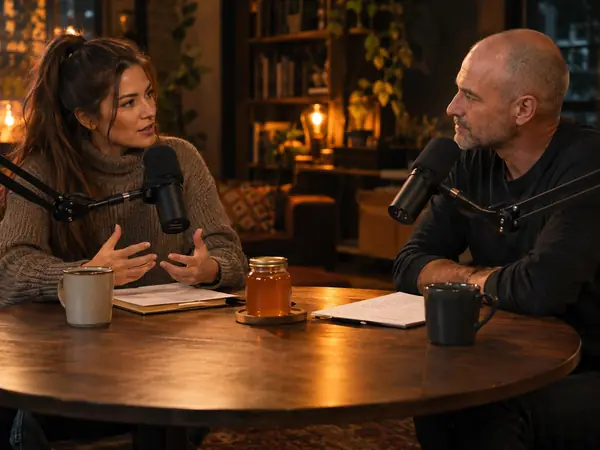
Podcasts
Publish a transcript with each episode for listeners who prefer to read.
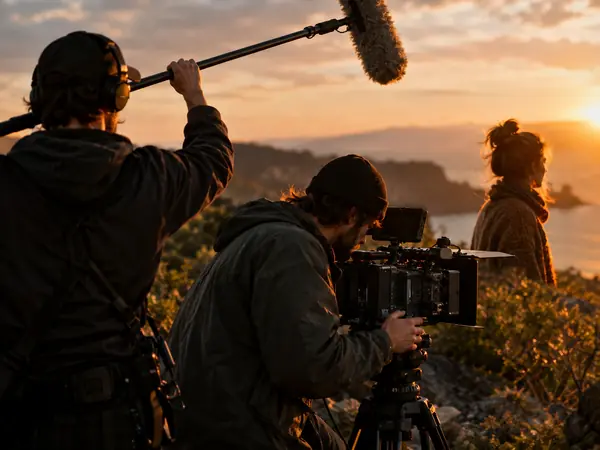
Video subtitles
Export SRT or VTT captions for YouTube, courses and social videos.

Voice memos
Turn thinking out loud into a draft you can edit.
Audio transcription FAQ
More AI audio tools


Transcribe audio to text in minutes
Upload a recording and get a transcript with speakers and timestamps you can check word by word, then export it in the format you need.