How to Remove Vocals from a Song: 3 Ways, Measured
How to remove vocals from a song: we tested the phase trick, an EQ cut and an AI vocal remover on five songs. What each leaves behind and when to use which.
Audio AI Studio7 min read

On this page
- Three ways to remove vocals, measured
- Method 1: remove vocals with an AI vocal remover
- Method 2: the phase trick in a desktop audio editor
- Method 3: cut the vocal range with an equalizer
- How to separate vocals from music for an acapella
- Problems and fixes
- Which method to use
- FAQ
- Remove vocals with our vocal remover
How to remove vocals from a song? The simplest clean way is an AI vocal remover: upload the song and it separates the voice from the music, giving you an instrumental and an acapella as two files. The two older tricks, flipping the phase of one channel and cutting the vocal range with an equalizer, work only on some songs, and both take part of the music with the voice.
We tested all three on the same five songs, 30 seconds of each, made on this site in five styles: funk disco, house, boom bap hip hop, Afrobeats and indie pop. The AI vocal remover turned the singing down by 44 to 61 dB, while everything below 120 Hz changed by less than 0.2 dB and the whole mix lost less than 1 dB. The phase trick took out nearly all of the bass in all five songs, and on one song it barely touched the voice.
This guide shows each method step by step, what we measured, and which one fits karaoke, a remix, practice or an acapella.
Three ways to remove vocals, measured
To compare like with like, we split each result into vocals, drums, bass and other with the same separation model, and measured how loud each part was against the original song. We also had an audio model listen to every result and say whether singing could still be heard.
| Measured | AI vocal remover | Phase trick (left minus right) | EQ cut (three 20 dB dips) |
|---|---|---|---|
| Singing | 44 to 61 dB quieter | 0.8 to 57 dB quieter | 14 to 19 dB quieter |
| Bass | unchanged (within 0.2 dB) | almost gone (54 to 58 dB quieter) | 4 to 6 dB quieter |
| Drums | unchanged (within 0.2 dB) | 7 to 14 dB quieter | 3 to 5 dB quieter |
| Guitars, keys and the rest | unchanged (within 0.2 dB) | kept (−1 to +4 dB) | 16 to 20 dB quieter |
| Singing still heard (of 5 songs) | 2, faintly | 4 | 5, clearly |
One caveat on fairness: the measuring model is the very model our vocal remover runs, so the AI column is that model checking its own work, which suits it. So we added two checks that use no separation model.
An audio model listening to every result ranks the methods the same way, as a rough guide only (it misjudged the bass): singing heard in all five equalizer results, four of the five phase results, and faintly in two AI results. A plain low-pass filter settles the bass: everything below 120 Hz lost more than 20 dB to the phase trick, a few dB to the equalizer, and less than 0.2 dB to the AI vocal remover.
Method 1: remove vocals with an AI vocal remover
An AI vocal remover has learned what a voice sounds like and pulls it out of the mix, wherever it sits in the stereo picture. That is why it keeps the bass and the kick drum, which the phase trick throws away.
- Open the vocal remover and drop in the song: an MP3, WAV, M4A, FLAC, OGG or WEBM file, or a music video, up to 15 minutes and 200 MB.
- Check the price on the button: 8 credits for each started minute. Your sign-up credits cover about 7 minutes.
- Play the result in the page and switch between the original, the vocals and the instrumental at the same moment.
- Download the instrumental and the acapella as WAV files of exactly the song's length.
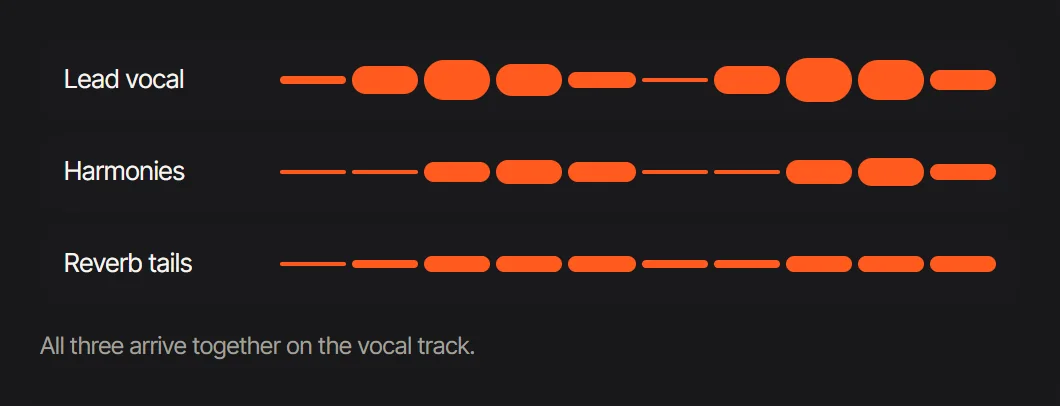 An AI separation keeps the lead, the harmonies and the reverb together in the vocals
In our test, the listening check heard no singing in three of the five instrumentals and a faint trace in the other two, 49 to 50 dB below the original voice: fine under a karaoke singer, worth a listen before a release.
Method 2: the phase trick in a desktop audio editor
The phase trick is free and works in most desktop audio editors, often as an effect called vocal remover or center channel removal. It subtracts the right channel from the left, so anything mixed exactly in the middle cancels out.
- Open the song in a desktop audio editor and check that it is stereo.
- Split the stereo track into left and right.
- Invert the phase of one side.
- Mix the two back together and listen.
The catch is everything else in the middle. In all five songs the bass all but disappeared, 54 to 58 dB down, and the drums lost 7 to 14 dB. And on the Afrobeats song, whose harmonies are spread left and right, the singing came through almost untouched, only 0.8 dB quieter. On a mono recording the trick removes the whole song.
Tip: The phase trick tells you how a song was mixed. If the voice vanishes and the bass goes too, the vocal was dead center; if the voice stays, it has stereo reverb or harmonies, and only a separation model will take it out.
Method 3: cut the vocal range with an equalizer
The other old trick is to turn down the frequencies where most of a voice lives, roughly 300 Hz to 3 kHz. It is free and works on any file, including mono.
- Open the song in an audio editor or an equalizer effect.
- Add wide cuts around 300 Hz, 1 kHz and 3 kHz.
- Lower them until the voice recedes, and listen to what else goes with it.
In our test, three 20 dB dips turned the singing down by only 14 to 19 dB, and it stayed clearly audible in all five songs. Guitars, keys and pads, which share those frequencies, lost 16 to 20 dB: the equalizer dimmed the band about as much as the singer. It is useful for pushing a voice back in a mix, not for a karaoke track.
How to separate vocals from music for an acapella
Removing the vocals and isolating them are the same separation seen from the other side. To isolate vocals, run the song through the acapella extractor: the vocals come first, with the song's tempo and key read for you when they read clearly, and can go straight on to the pitch changer or the speed changer.
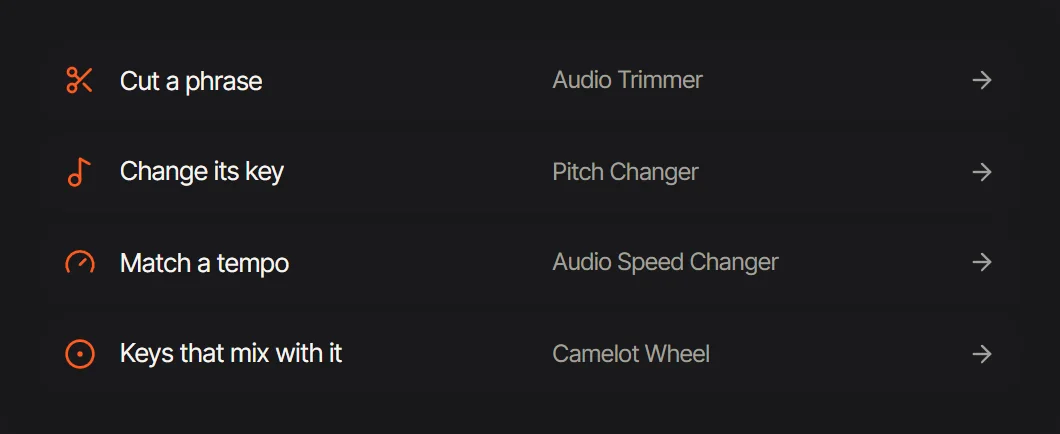 The acapella extractor: the vocals go straight on to the next tool
The phase trick cannot give you an acapella at all, because it only removes the middle. An equalizer can boost the vocal range, but the band comes along with it.
Problems and fixes
- A faint voice left in a dense chorus. Split the song into four stems and lower the "other" stem for those bars. Under a live singer it is usually hard to hear.
- A little reverb or voice-like sounds left behind. Vocal chops and choir pads can sound like singing and stay with the music. Choose four stems and listen to the "other" stem alone to find them.
- A thin, hollow instrumental. That is the phase trick removing the bass. Use a separation model instead.
- The instrumental is quieter than the original. That is normal: the voice was part of the loudness. Raise it with the volume booster, which keeps the peaks below 0 dB.
Which method to use
- A remix or a sample: the AI vocal remover in four stems, or the stem splitter, so the drums, bass and other come as separate WAV files.
- Practice: separate the song, then mute only your own part.
- A quick test, at no cost: the phase trick in a desktop editor, to hear whether the voice sits in the middle.
- Pushing a voice back, not removing it: a gentle equalizer cut.
- Karaoke: the AI vocal remover, or the karaoke maker, which can keep a quiet guide vocal under the backing track at the level you set, and shows the lyrics as you sing.
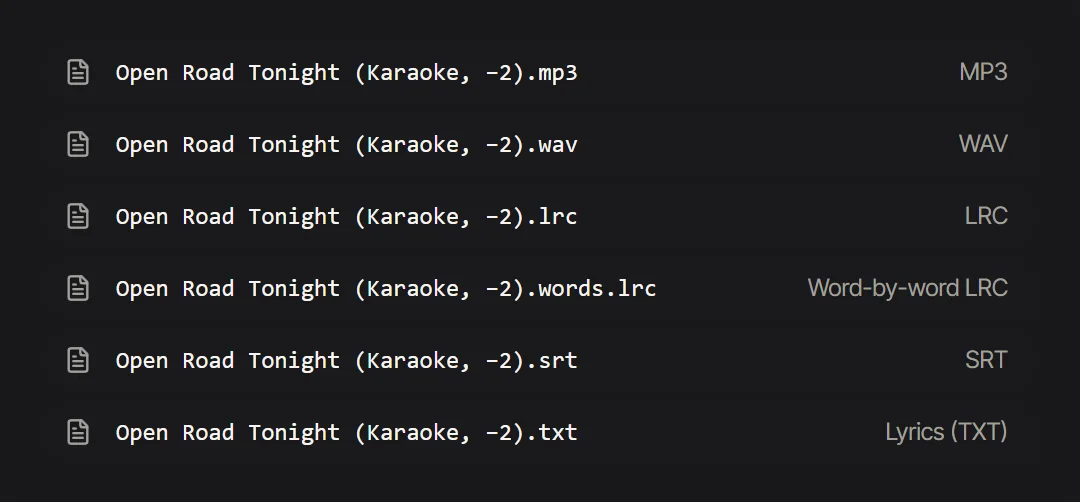 The karaoke maker: the backing track as MP3 or WAV, and the lyrics as LRC, SRT or TXT
FAQ
What is the best way to remove vocals from a song?
Of the three methods we tested, an AI vocal remover. On five songs it turned the singing down by 44 to 61 dB and left the low end and the rest of the mix as they were, while the phase trick took out the bass and an equalizer left the singing clearly audible.
How do I remove vocals from a song for free?
The phase trick in a free desktop audio editor costs nothing. It works best on songs with the voice dead center and usually takes most of the bass with it. An AI vocal remover gives a cleaner result: on this site it costs 8 credits a minute, and the sign-up credits cover about 7 minutes.
Why does the phase trick remove the bass?
Because it removes everything mixed in the middle of the stereo picture, and the bass, the kick drum and the lead vocal usually all sit there.
Can I isolate the vocals instead of removing them?
Yes. A separation gives both: the instrumental and the vocals. The acapella extractor starts with the vocals and reads the song's key and tempo.
Does removing vocals work on any song?
An AI vocal remover works on stereo and mono songs alike. Dense choruses and heavy reverb leave the most traces. The phase trick needs a stereo song with the voice in the middle.
Can I use the instrumental I make?
That depends on who owns the song. Separating a song you have the rights to, such as your own music, is fine; publishing someone else's song needs their permission.
Remove vocals with our vocal remover
Open the vocal remover, upload a song and switch between the original, the vocals and the instrumental before you download. For a backing track with the lyrics on screen, use the karaoke maker. The guide to what stems are in music explains the four parts a song splits into.
Tools in this article
- Vocal RemoverSplit a song into vocals and an instrumental, plus drums, bass and other, and download every track as WAV.
- Acapella ExtractorTake the vocals out of a song as WAV or MP3, with the tempo, key and Camelot code of the track they came from where they read clearly.
- Pitch ChangerRaise or lower the pitch of any song, voice or video by semitones, cents or to a chosen key, with the tempo unchanged, free.